A secure Node.js application is one that protects user data and system integrity by preventing common attacks (like injection and account takeover), reducing accidental data exposure, and keeping risky behavior out of your runtime and your dependencies.
This is a foundational guide for developers and team leads who want to apply the best practices for secure Node.js applications from the start. It focuses on practical, repeatable habits that raise your baseline security without turning your project into a security research effort.
Quick takeaways (do these first)
- Validate every input with a strict schema.
- Use parameterized queries; never concatenate user input into queries.
- Hash passwords with Argon2id when supported (bcrypt is a mature fallback).
- Use secure sessions and tokens (cookie flags, JWT hygiene).
- Apply baseline protections like security headers and a strict CORS allowlist.
- Practice logging hygiene: log security events, never secrets or tokens.
- Automate dependency and security checks — and treat them as signals, not guarantees.
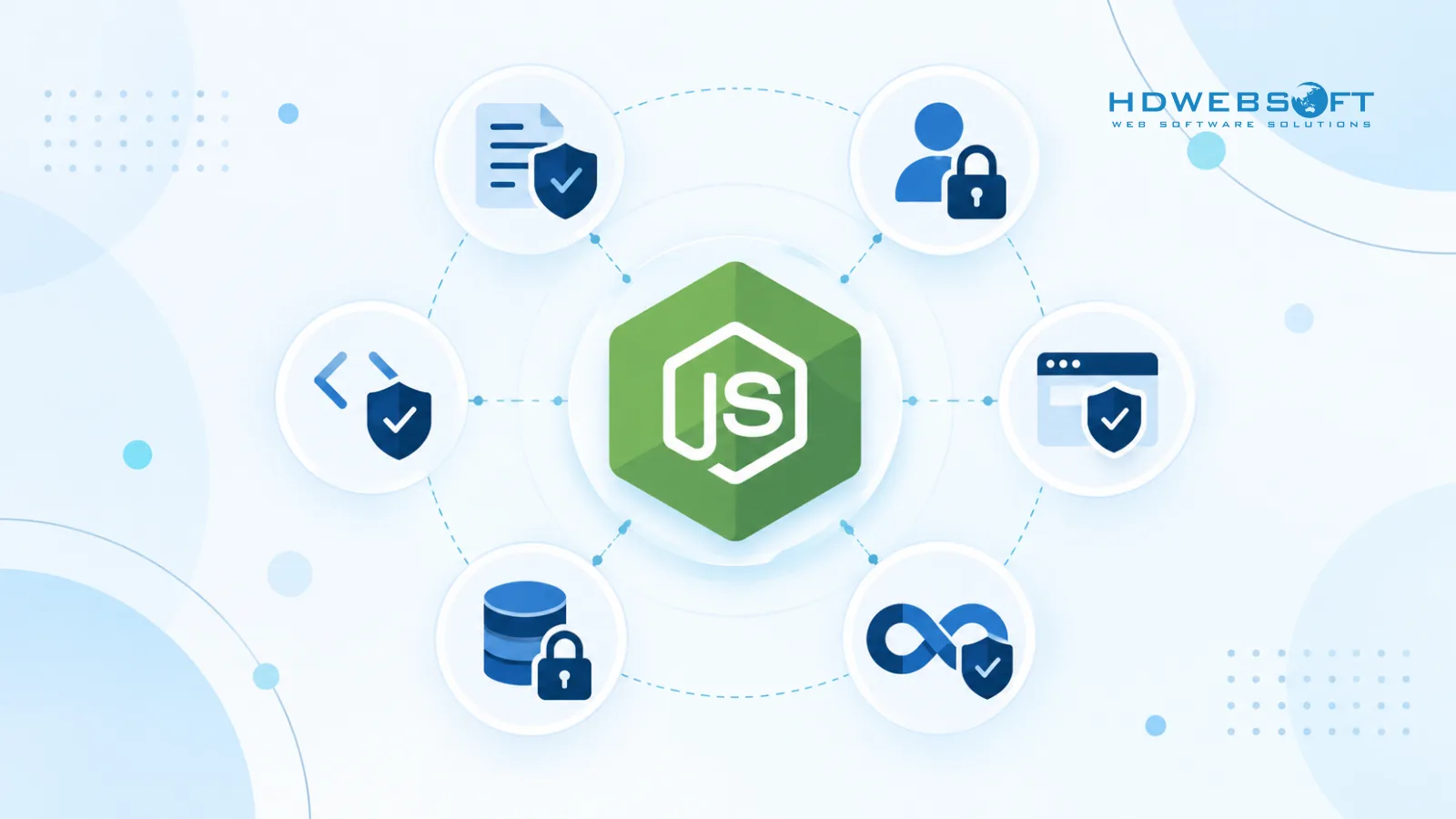
Security baseline for Node.js apps (start here)
Start with a clean baseline. Most breaches don’t happen because a team missed one advanced technique — they happen because insecure defaults stayed in place.
- Use a supported Node.js LTS version for production work.
- Keep the runtime and dependencies updated.
- Separate development and production configuration (feature flags, env vars, logging levels).
- Disable unnecessary server disclosure such as
x-powered-by. - Do not expose stack traces in production responses.
For a compact official checklist, see Node.js security best practices.
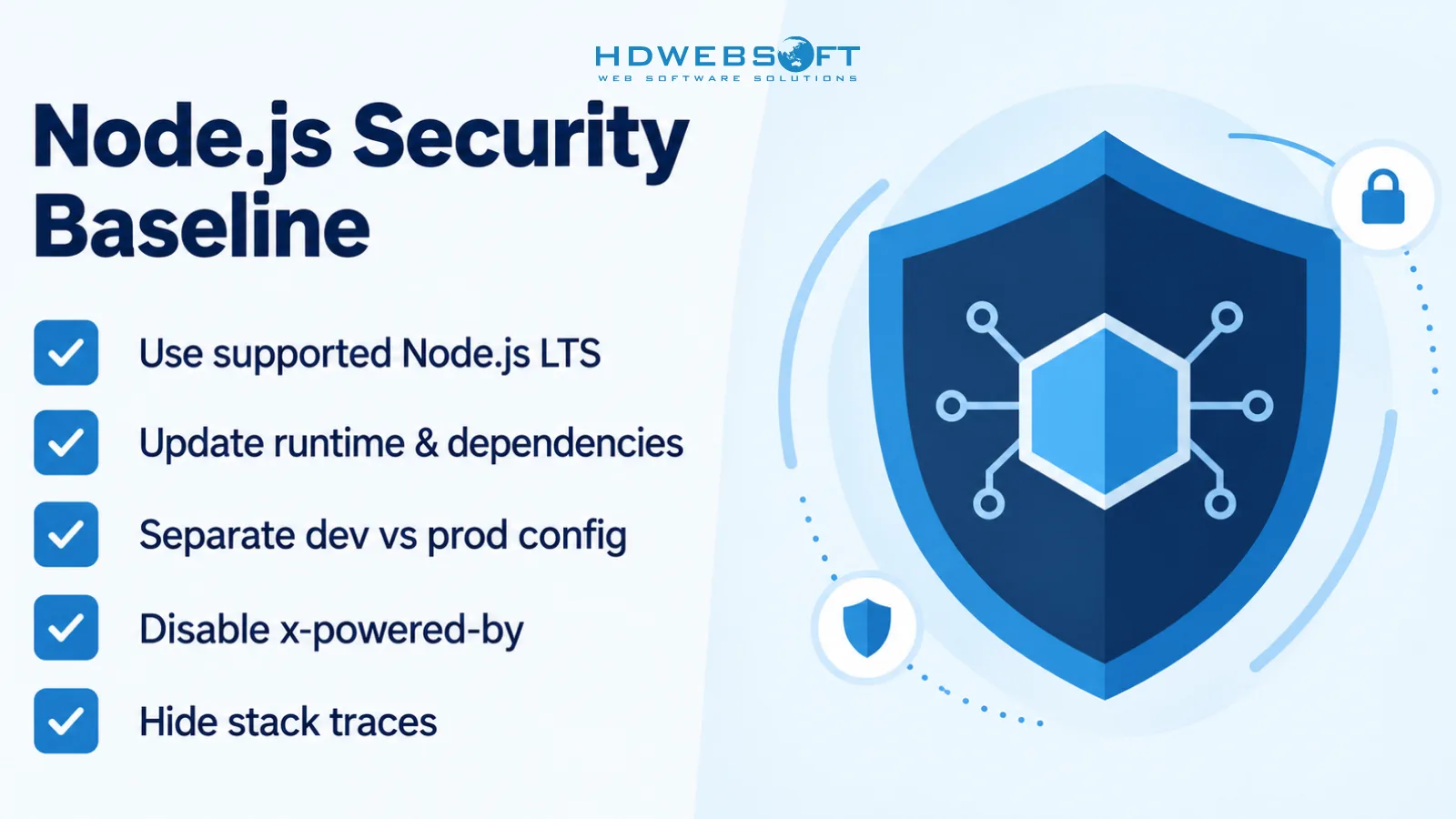
Example: disable server disclosure and sanitize errors
// Express example
app.disable('x-powered-by');

app.use((err, req, res, next) => {
  req.log?.error({ err }, 'Unhandled error');
  res.status(500).json({ error: 'Something went wrong.' });
});
Validate input and prevent injection
Start with principles, then choose tools.
Principle 1: validate at the boundary
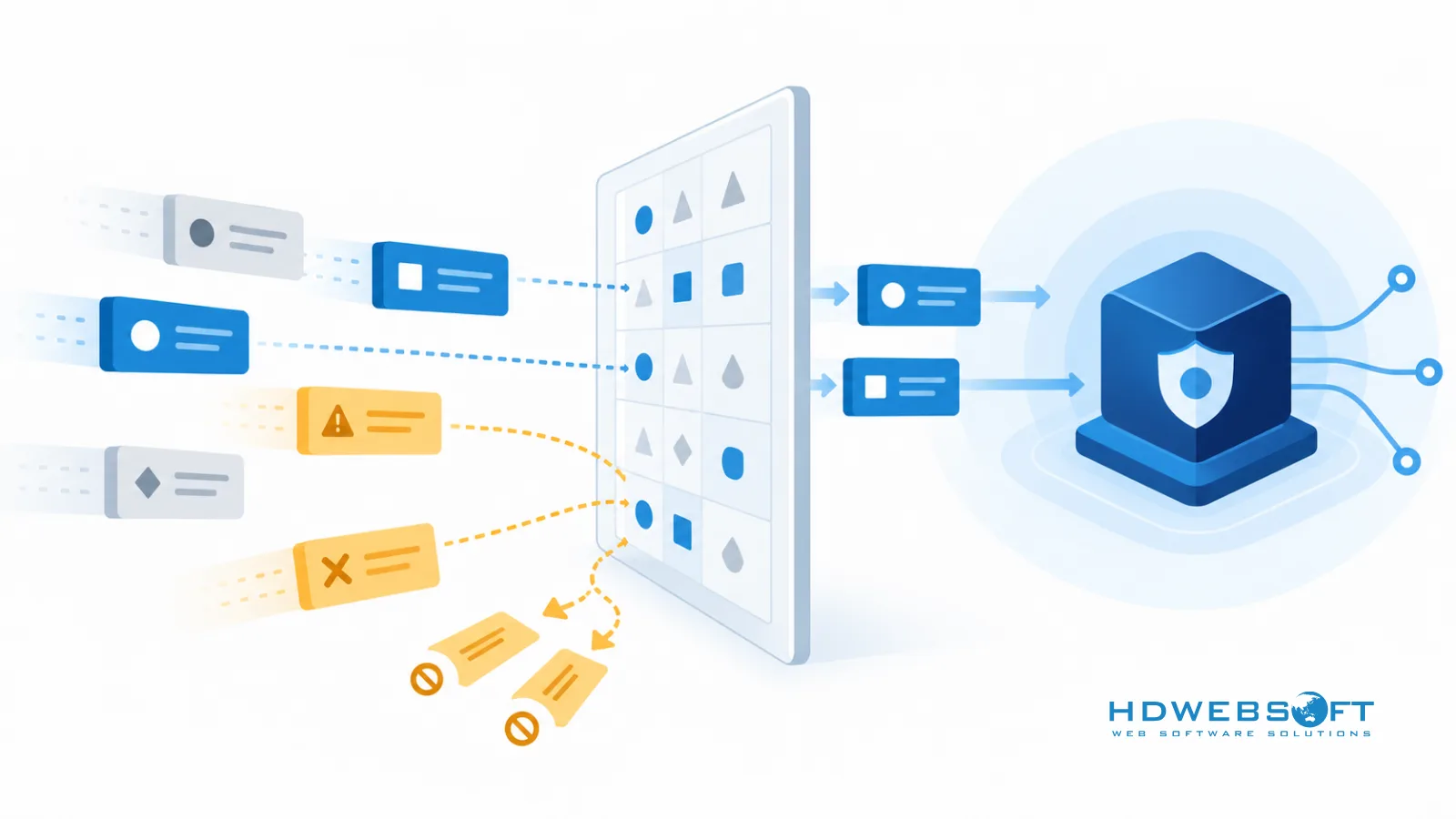
Validate input as early as possible — before your business logic and before any database calls. Schema validation libraries such as Joi or Zod can help, but the core idea is the same: accept only what you expect.
Principle 2: use parameterized queries
Avoid building query strings with user input. Use parameterized queries through your ORM or query builder. Prisma, Drizzle, Knex, and most mature database clients support parameterization.
Principle 3: encode output in context
If your application renders user content, encode output based on where it will be used (HTML, attributes, URLs). Only mention HTML sanitizers like DOMPurify if your application actually accepts or renders HTML.
Example: schema validation at the API boundary
// Zod example (library choice is optional)
const { z } = require('zod');

const createUserSchema = z.object({
  email: z.string().email(),
  password: z.string().min(12).max(128),
});

const parsed = createUserSchema.safeParse(req.body);
if (!parsed.success) {
  return res.status(400).json({ error: 'Invalid input.' });
}
Implement authentication and session security correctly
Authentication mistakes can turn a small bug into full account compromise. Keep the implementation boring and well understood.
Password hashing: Argon2id preferred, bcrypt as fallback
Prefer Argon2id when your stack supports it. bcrypt is a mature fallback when Argon2id is not available or when you need compatibility with an existing password store.
For guidance on choosing parameters safely, see OWASP password storage guidance.
Secure sessions and tokens
- Use secure cookie flags where applicable:
httpOnly,secure,sameSite. - Treat JWTs as short-lived credentials. Avoid putting sensitive data in the payload.
- Avoid weak storage patterns that expose tokens to XSS.
Add MFA for admin accounts
Even if you don’t enforce MFA for every user, enforce it for admin and high-privilege accounts.
Rate limit login and token endpoints
const rateLimit = require('express-rate-limit');

const authLimiter = rateLimit({
  windowMs: 15 * 60 * 1000,
  max: 5,
  standardHeaders: true,
});

app.post('/auth/login', authLimiter, loginHandler);
If you’re moving beyond the basics into a full production security program, see our advanced guide on Node.js security in production.
Handle secrets and sensitive data safely
.envfiles are fine for local development, but they are not a production secret-management solution.- In production, prefer a secret store such as KMS, Secrets Manager, Vault, or your platform’s built-in secret management.
- Use HTTPS and encrypt sensitive data at rest where appropriate.
- Never log secrets, passwords, tokens, or full request bodies by default.
For a broader perspective on program-level practices, see our guide on data security management.
Add security checks to your development workflow
Use npm audit (but don’t rely on it alone)
npm audit is useful for discovering known vulnerabilities, but it is not enough by itself. Treat it as one signal among many.
Add lightweight checks
- ESLint security plugins (to catch common risky patterns)
- Basic SAST scanning (at least on pull requests)
- Unit tests for authorization rules (critical routes)
- A simple PR security checklist (inputs, authz, secrets, logging)
Secure Node.js application checklist
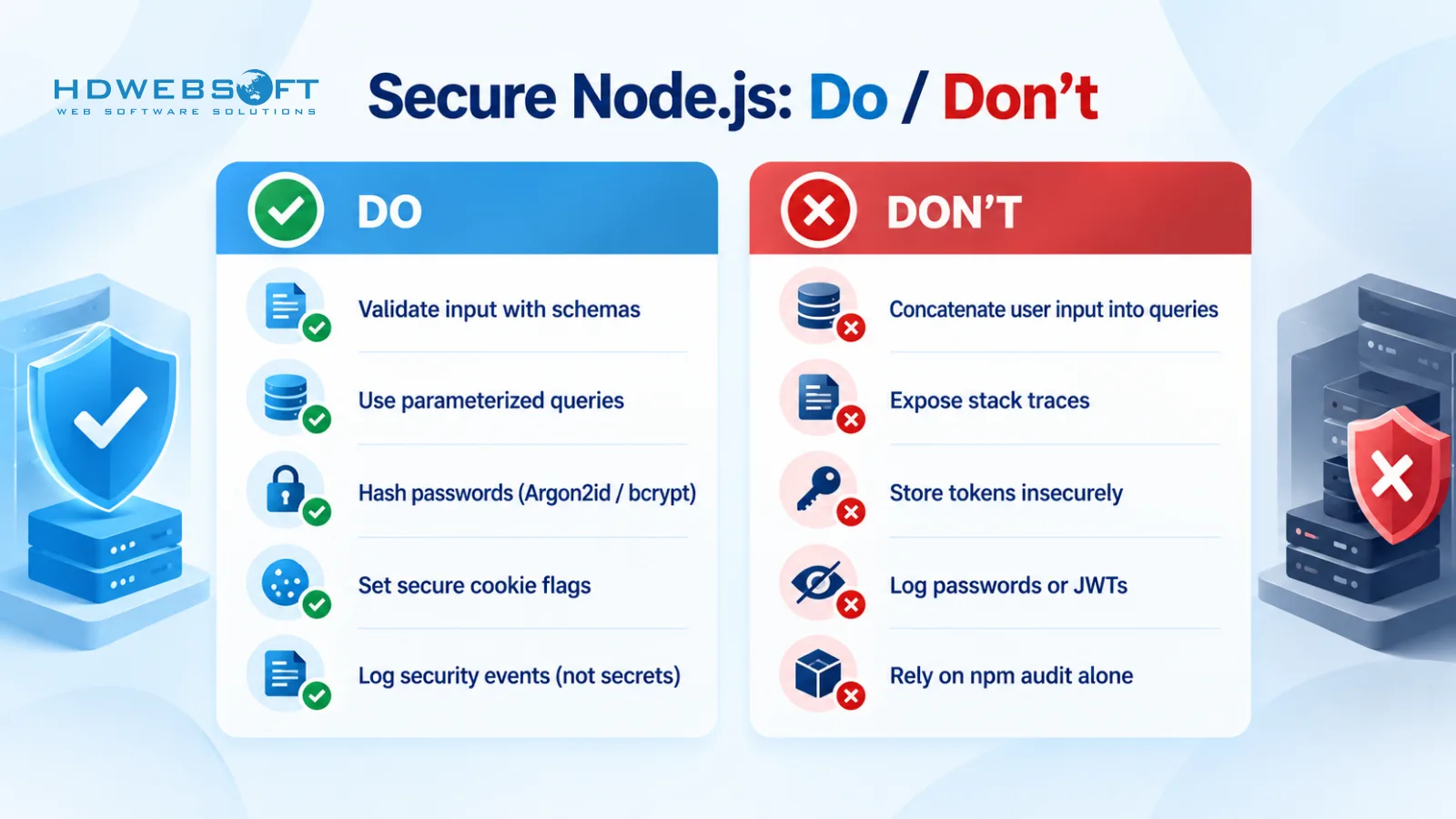
- Use a supported Node.js LTS version.
- Keep dependencies updated and remove unused packages.
- Validate inputs with strict schemas.
- Use parameterized queries and avoid string concatenation.
- Hash passwords with Argon2id (bcrypt fallback).
- Apply secure cookie flags and JWT hygiene.
- Set baseline security headers and strict CORS allowlists.
- Don’t expose stack traces in production.
- Don’t log secrets, tokens, or sensitive payloads.
- Run
npm auditregularly and treat it as a starting point. - Add basic security checks to CI and PR review.
Frequently asked questions
What are the best practices for secure Node.js applications?
The best practices focus on reducing the attack surface from day one: validate all inputs, use parameterized queries, hash passwords with Argon2id (or bcrypt), secure sessions and tokens, set security headers and strict CORS, keep secrets out of code and logs, and add automated dependency and security checks to your workflow.
Is Node.js secure by default?
Node.js is not insecure by default, but security depends on your application code and configuration. A secure Node.js application requires intentional defaults for input validation, authentication, error handling, secrets management, and dependency maintenance.
What’s the best way to store passwords in Node.js?
Prefer Argon2id when supported. bcrypt is a mature and widely compatible fallback. Never store passwords in plain text, and avoid fast hashes like MD5 or SHA1 for password storage.
How do you validate input in Node.js APIs?
Validate at the boundary of your system using a strict schema (for example with libraries like Joi or Zod). Combine schema validation with parameterized queries and contextual output encoding to reduce injection and XSS risk.
How do you secure JWT authentication in Node.js?
Keep JWTs short-lived, avoid storing sensitive data in the payload, and choose safe storage and transport patterns. Use secure cookies when appropriate, implement token rotation where needed, and rate-limit login and token endpoints.
Is npm audit enough?
No. npm audit is useful for discovering known vulnerabilities, but it does not guarantee overall application security. Pair it with secure coding practices, testing, and review processes to reduce real-world risk.
Conclusion
Secure Node.js development is mostly about consistent fundamentals: validate inputs, protect authentication, keep secrets out of code and logs, and build security checks into your workflow. Start with the baseline practices in this guide, then level up as your application grows.
If you want help building a secure Node.js application with strong engineering foundations, HDWEBSOFT provides Node.js development services.